
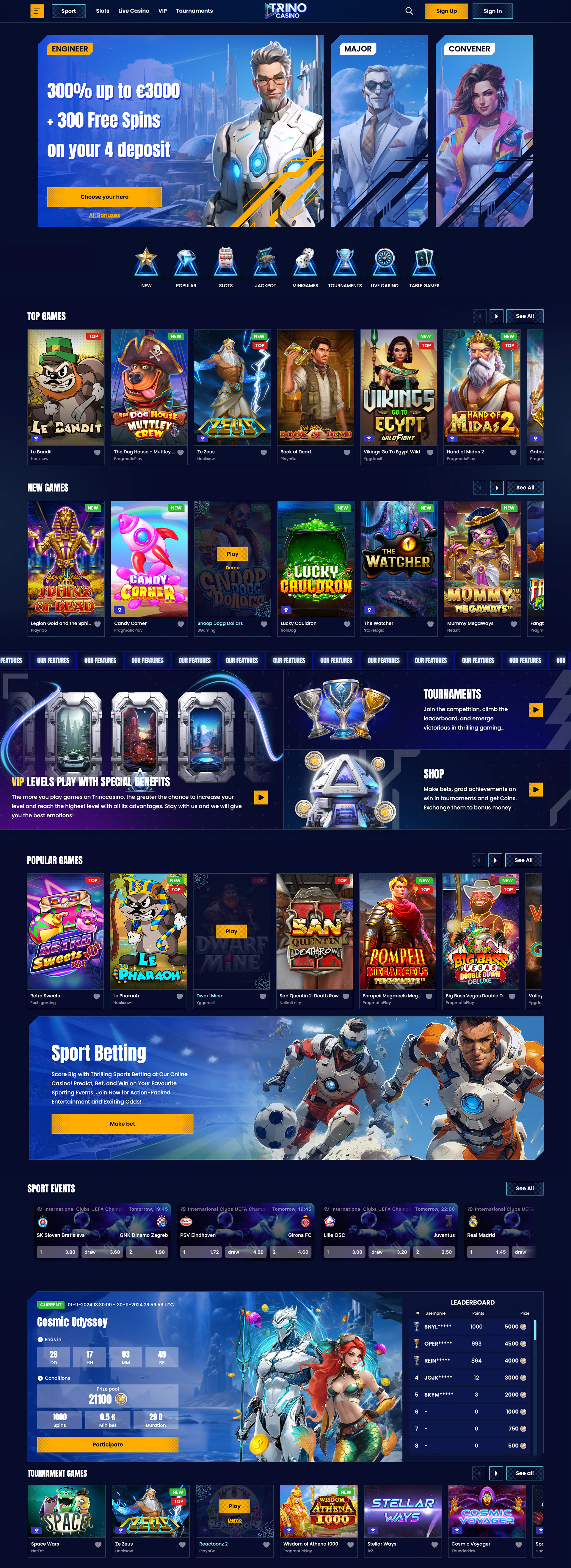
Why Auto Login Matters for the Current Casino Experience
Entering an online casino should be quick, secure, and totally smooth https://trino-casino.org/sv/login/. For gamblers in Sweden, the Trino Casino auto login feature transforms credential entry into a simple tap or automatic recognition. This article addresses sign-up, identity verification, persistent sessions, security layers, and common access problems. It is built for Swedish gamblers who wish to transition from registration to gameplay without unnecessary interruptions.
When a gambler comes back on a mobile browser or saved home screen shortcut, the capability reinstates the session instantly. This is useful on smaller screens where typing is less comfortable. The system depends on encrypted tokens stored locally, not plain-text passwords, so simplicity does not occur at the price of safety. Understanding token-based recognition helps gamblers have confidence in the feature and employ it confidently on personal devices.
Auto login also facilitates a personalized experience. Because the platform identifies the returning user immediately, it can show game recommendations, active bonuses, and balances without delay. For a Swedish user who signs in several times a day, this continuity creates the casino feel familiar. Trino Casino keeps the session active for a specific period, then demands a manual login, offsetting convenience with periodic credential checks.
Auto login is device-specific and should solely be activated on private equipment. If a gambler uses jointly a phone or computer, turning off the function or using private browsing is strongly advised. Trino Casino offers clear toggles during login, permitting each user to determine whether the platform should recall the device. This command upholds the Swedish market’s emphasis on digital self-determination and data privacy.
From a technical standpoint, auto login puts a secure, time-limited cookie or app-based token on the device after successful manual sign-in and, where applicable, two-factor authentication. The next visit validates the token’s integrity and unlocks the account without prompting for credentials. If an anomaly arises, such as a different IP location or an expired token, the system reverts to standard login.
Protection Layers Protecting the Auto Login Environment
Ease without security is not tolerable for a regulated casino. Trino Casino establishes auto login on multiple protective layers. Transport encryption safeguards all communication between the player’s device and the casino servers with TLS 1.3, the current web standard. This prevents third parties from intercepting token or login data during transmission. The connection remains encrypted on public Wi-Fi, though a VPN adds an extra privacy shield.
Two-factor authentication is the next layer. While auto login circumvents the password prompt, Trino Casino can still request a second factor when conditions change. relaterade artiklar A login attempt from a new IP range or unrecognised device generates a one-time code even if the remembered token exists. A stolen token alone is not enough. Players are urged to enable 2FA and link the account to an authenticator app.
On the server side, Trino Casino utilizes real-time anomaly detection. The system analyses login patterns, including typical access times, geographic regions, and device types. If a player who normally logs in from Stockholm suddenly shows to connect from another continent at an unusual hour, the session is flagged. The platform may cancel the auto login token and request full credentials plus a 2FA code.
Password hygiene remains foundational. Even with auto login active, the underlying password must be strong and changed periodically. Trino Casino does not enforce mandatory rotation, but advises updating the password every few months or after any suspicious event. Changing the password automatically invalidates all existing auto login tokens, forcing a fresh manual login. This functions as a global reset if the player suspects compromise.
Finally, the casino’s internal policies restrict employee access to sensitive session data. Tokens are stored in hashed form, and no support agent can recover or impersonate an active session. Support staff can view the list of authorised devices and help revoke tokens, but cannot use those tokens to access an account. This separation of duties guarantees auto login is never turned into a backdoor.
Activating and Controlling the Auto Login Option
Turning on auto login on Trino Casino is a intentional action, not a hidden default. After a valid manual login, the platform displays a persistent session option. On desktop, this shows as a “Remember me” checkbox under the password field. On mobile, the interface may present a toggle for biometric login if the device has fingerprint or facial recognition. The player must actively choose this option or the session will end.
When the checkbox is ticked, Trino Casino produces a unique encrypted token stored in the browser’s protected local storage or as an HTTP-only cookie. The token does not include the user’s password or private personal data. It contains a session identifier that the server validates against its own records. Each return checks validity, expiration, and device fingerprint. If checks succeed, the account opens directly in the lobby.
Overseeing active auto login sessions is easy. Inside account settings, the player can open the security or login sessions section to view devices and browsers with active auto login, along with last access time and rough location. If any entry looks unfamiliar, the player can cancel that session remotely with one click. This makes the device to re-enter credentials on its next attempt.
Swedish players who employ a personal phone, work laptop, and home tablet can activate auto login on each device individually. Each receives its own token, and removing one does not affect the others. This detailed control is useful if a device is misplaced or sold. Trino Casino also sends an email notification whenever a new device is permitted for auto login, providing a real-time alert layer.
The feature respects local privacy settings. If the player activates incognito or private browsing, the token is either not stored or cleared at the end of the session, even if the checkbox was checked. This guarantees borrowed or public computers never retain access. Knowing this behaviour helps users select convenience on a home PC while leaving no trace on a shared tablet.
Setting up a Trino Casino Account as a Swedish Player
The process to auto login starts with a properly created account. Swedish players can register by visiting the official site and pressing the prominent sign-up button. The form requires full name, date of birth, residential address in Sweden, a valid email address, and a mobile phone number. Every field must be accurate because the data is cross-checked during verification and utilized to meet licensing requirements.
During sign-up, the player sets up a strong password. Trino Casino enforces complexity rules, demanding uppercase and lowercase letters, numbers, and special characters. The password must be distinct and not reused from other services. A weak password undermines auto login security because a compromised credential could enable someone else to activate access on their own device. The form gives real-time feedback on password strength.
After filling out the fields, the player accepts the terms and states they are at least 18 years old, the legal gambling age in Sweden. Core registration does not demand a bonus code, though some promotions demand a separate opt-in. Trino Casino then sends a verification email to the provided address. Selecting the link activates the account and demonstrates access to the inbox before deposits or auto login can move forward.
Swedish players should pay attention to currency selection. Trino Casino supports Swedish kronor, which avoids conversion fees and keeps bankroll management straightforward. Choosing SEK assures that deposits, wagers, and withdrawals are handled in the local currency. Altering the currency later often requires contacting support, so it is advisable double-checking this setting. The sign-up flow is presented in Swedish.
Once the email is verified, the player can log in manually for the first time. This is when auto login can first be activated. After entering the email and password, the player notices a checkbox named “Remember me” or “Keep me logged in.” Checking this instructs Trino Casino to store a secure token on the device. If the browser is private, the token remains only for that session.
Identity Verification and Compliance Checks in Detail
No account can fully use auto login until the mandatory Know Your Customer checks are finished. Trino Casino must authenticate the player’s identity, age, and address. Swedish users are required to submit a clear colour copy or photo of a valid government-issued ID, such as a passport or national identity card. The document must display the full name, date of birth, and photograph, with all corners showing.
In addition to the ID, proof of address is usually required. A recent utility bill, bank statement, or official government letter dated within the last three months meets this need. The document must display the player’s name and residential address exactly as entered at registration. Digital copies are accepted, but screenshots are not. Trino Casino confirms that the address is in Sweden to maintain regulatory eligibility.
Verification may also involve a selfie with the ID document or a short video call, depending on internal risk assessment. The player may be asked to hold the ID next to their face in a photo that clearly shows both. This liveness check stops identity theft and confirms the person creating the account is the legitimate document holder. It enhances account security even when auto login is enabled.
Swedish players often inquire how long verification takes. Trino Casino strives to review documents within 24 hours on business days, though peak periods may prolong this to 48 hours. The player gets an email notification once the check is complete. If a document is refused for poor image quality or mismatched information, the casino clarifies the reason and enables resubmission. It is prudent to complete verification early because withdrawals remain blocked otherwise.
Once KYC is approved, auto login operates without restrictions. Verified status is tied to the account, not the device, so switching phones does not necessitate re-verification. However, a change of address or legal name requires updated documents. Trino Casino may also perform periodic re-verification, especially for large withdrawals. This care keeps the platform adherent while trusted devices can still bypass the login form.
Common Login Difficulties, Recovering Password, and Account Recovery
Even a well-designed auto login system can encounter problems. A frequent issue is the “session expired” message even with having the feature enabled. This usually happens when the token’s validity period ends, as Trino Casino sets a fixed number of days for security. The solution is a new manual login and re-ticking the “Remember me” box. Clearing browser cache or cookies also removes the token.
Auto login may malfunction after a browser update or when moving from a regular window to an incognito session. Modern browsers treat private storage differently, and some updates reset site permissions. If Trino Casino no longer remembers the player, they should check whether the browser clears cookies on exit or whether privacy extensions block persistent storage. Allowing the casino domain often solves the issue.
Password-related lockouts can affect auto login. If a player inputs the wrong password multiple times on a new device, the account may be briefly frozen. The remembered token on other devices might still work, but the locked device cannot establish a new session. The player should change the password from a trusted device or wait for the lockout timer to expire. Trino Casino shows lockout durations clearly.
Sometimes auto login appears to work, but the account asks for a two-factor code on every visit. This suggests the device fingerprint has altered, likely because of a VPN, a new OS version, or a different browser. The platform no longer recognizes the authorised device. The player should remove the outdated device entry from safety settings and turn back on auto login on the present setup.

More unusual but useful to know is the situation where a player has too many active auto login sessions. Trino Casino may impose a limit on simultaneous remembered devices to minimize risk. If the maximum is attained, the most dated session is automatically removed when a new one is set up. Players who switch between many tools should occasionally inspect and trim the authorised device list. This stops unexpected login prompts.
If no standard fix works, Trino Casino’s customer support team is available through live chat and email. The team can review the account’s login status, ascertain whether any security restrictions are present, and assist the player through complex troubleshooting. Swedish-speaking agents are commonly available, making sure language does not pose a problem. Providing the account email and the estimated time of the previous successful login aids diagnosis.
Account recovery is a organized process. The user clicks “Forgot password?” on the login page and provides the registered email address. A reset link comes within minutes and is no longer valid after about one hour. Setting a new password immediately cancels all existing auto login tokens across every device. If the player cannot access the email, support confirms ownership with ID documents and a selfie before changing the address.
Keeping the Account Healthy for Continuous Auto Login Access
Guaranteeing smooth auto login over the long term demands consistent habits. The most important is keeping the registered email account secure. Since email is the key to password resets and important notifications, activating two-factor authentication on the email provider adds an outer shield. If the email remains uncompromised, any attempt to hijack the casino account is blocked at the recovery stage.
Frequently updating the browser and operating system also plays a role. Auto login tokens rely on stable device fingerprints, and major system updates can alter them enough to trigger a security re-check. This is not a failure, but it can lead to an unexpected two-factor prompt. By keeping software current and noting when updates occur, a player can anticipate the need to re-authorise the device.
Players should also pay attention to the physical security of their devices. A phone or laptop without a screen lock can allow anyone who picks it up to access the casino account if auto login is active. Setting a strong PIN, password, or biometric lock on the device is the first line of defence. Trino Casino cannot control device-level security but strongly recommends using all available protections.
Monitoring account activity periodically is healthy. The dashboard shows recent login history, including timestamps and approximate locations. A quick weekly look can spot anything unusual. If a login from an unknown location appears, the player can immediately revoke all sessions and change the password. This proactive monitoring turns auto login into a monitored convenience, with the player fully aware of how and where the account is accessed.
Remaining informed about security updates also helps players benefit from new protections. Trino Casino may introduce passkeys or biometric-only login, which could make auto login smoother and more secure. By reading occasional emails or checking the security page, Swedish players can adopt these improvements early. A well-maintained account and an informed user make auto login reliable for years.